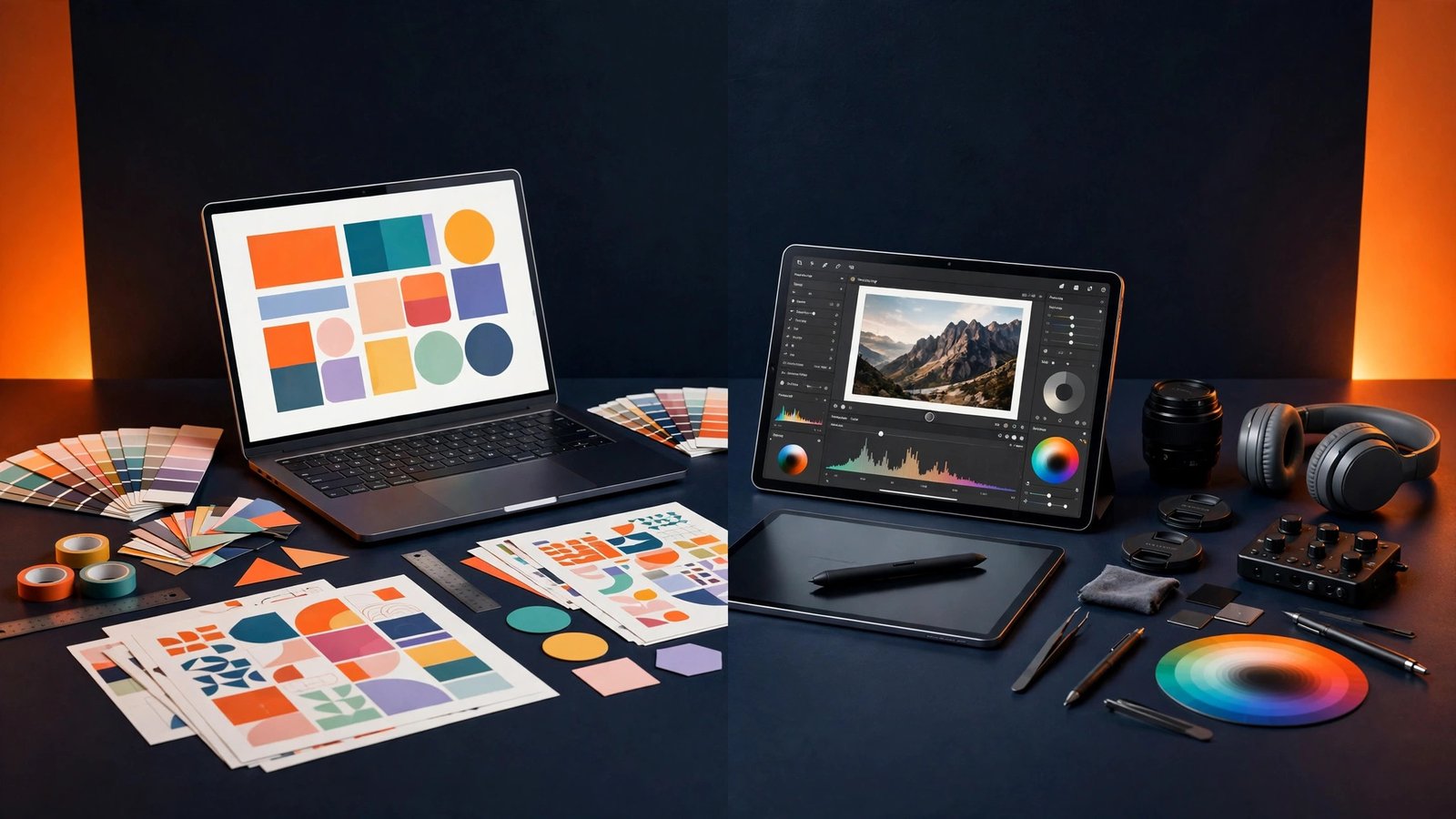
Canva Pro vs Adobe Express: Which Design Tool Is Worth Paying For?
Short answer: for most people, Canva Pro is the better buy — $15 a month officially ($120 a year), with the bigger template library and the easiest learning curve. Adobe Express Premium is cheaper at $9.99 a month ($99.99 a year) and wins if you already use Adobe tools or need its Firefly AI and Adobe Stock photos. Get either without a card from Unique Digital — Canva Pro from PKR 299, Adobe Express for PKR 585 — 6 years in business, 1,200+ customers, ~30-minute WhatsApp delivery (0344 8821141), 25-day replacement warranty on monthly subscriptions.
Canva Pro vs Adobe Express: Price Compared (2026)
Both tools charge in US dollars, so the PKR price moves with the exchange rate. At ≈ Rs 280/USD:
| Plan | Official Price | ≈ PKR Price | Best For |
|---|---|---|---|
| Canva Free | $0 | PKR 0 | Occasional designs |
| Canva Pro (monthly) | $15 / month | ≈ PKR 4,200 / month | Monthly flexibility |
| Canva Pro (annual) | $120 / year | ≈ PKR 2,800 / month | Cheapest official Pro |
| Adobe Express Free | $0 | PKR 0 | Quick basic edits |
| Adobe Express Premium (monthly) | $9.99 / month | ≈ PKR 2,800 / month | Adobe users |
| Adobe Express Premium (annual) | $99.99 / year | ≈ PKR 2,333 / month | Cheapest official Express |
| Canva Pro — Unique Digital | $15 official | PKR 299 (3-year invite) | Best value worldwide |
| Adobe Express Premium — Unique Digital | $9.99 official | PKR 585 | Best value worldwide |
Canva Pro: What You Get
Canva Pro is the most popular design tool in the world for a reason: it is built for people who are not designers. You open a template, change the text and colours, and export a professional-looking post in minutes.
- 610,000+ premium templates: social posts, presentations, logos, resumes, YouTube thumbnails, ads and more — ready to edit.
- Brand Kit: save your logo, brand colours and fonts once, then apply them to every design in one click.
- Magic Resize: turn one design into every size — Instagram post, story, Facebook cover and banner — instantly.
- Background Remover: remove a photo background in one click, a tool freelancers use every single day.
- 1 TB cloud storage: keep all your designs, uploads and brand assets in one place.
- Magic Studio AI: AI text, image and design tools built in, including Magic Write and Magic Media.
Canva's real strength is its ecosystem: millions of stock photos, videos, graphics and fonts, plus thousands of apps inside Canva itself. If you make social media content, client posts or presentations every week, Canva Pro pays for itself in saved time.
Adobe Express Premium: What You Get
Adobe Express is Adobe's answer to Canva — a fast, browser-based design tool with Adobe's creative DNA. It is simpler than Photoshop or Illustrator, but it connects to the full Adobe world.
- Adobe Stock photos: premium stock images, templates and assets included with the paid plan.
- Adobe Firefly AI: generate images and text effects with Adobe's commercial-safe AI, trained on licensed content.
- Brand Kit and brand controls: lock fonts and colours so a whole team stays on-brand.
- 100 GB cloud storage: enough for regular design work and asset libraries.
- Quick Actions: remove backgrounds, resize images, convert files and edit PDFs without opening another app.
- Seamless Adobe workflow: open a project in Photoshop or Illustrator, or pull assets from Creative Cloud and Adobe Fonts.
Adobe Express shines for people already inside Adobe's world — photographers, video editors and agencies that use Lightroom, Premiere Pro or the full Creative Cloud. It is also the safer pick for commercial work, because Firefly's AI is trained only on licensed Adobe Stock content.
Features Compared Side by Side
| Feature | Canva Pro ($15/mo) | Adobe Express Premium ($9.99/mo) |
|---|---|---|
| Monthly price (official) | $15 | $9.99 |
| Annual price (official) | $120 / year | $99.99 / year |
| Free plan | ✅ Yes | ✅ Yes |
| Premium templates | ✅ 610,000+ | ✅ Large library |
| Brand Kit | ✅ Yes | ✅ Yes |
| Background remover | ✅ One click | ✅ One click |
| Cloud storage | 1 TB | 100 GB |
| AI image generation | ✅ Magic Media | ✅ Firefly (licensed) |
| Stock photos included | ✅ Millions | ✅ Adobe Stock |
| Video editing | ✅ Basic editor | ✅ Basic editor |
| Schedule social posts | ✅ Yes | ✅ Yes |
| Works with Photoshop / Illustrator | ❌ No | ✅ Yes |
| Commercial use of AI images | ✅ Yes | ✅ Yes (licensed training) |
| Learning curve | Easiest | Easy |
On paper the two tools look close, but the experience differs: Canva is a content machine — fast templates, fast exports, everything in one place — while Adobe Express is a design studio with deeper control, better typography and a direct line into Photoshop.
Who Should Buy Which One?
Choose Canva Pro if: you run a business, manage social media, or create content every day. Its template library is bigger, Magic Resize saves hours, and the 1 TB storage matters when you design daily. It is also the better pick for teams and beginners — most people learn Canva in an afternoon.
Choose Adobe Express Premium if: you already pay for Adobe tools, work with photos and video, or sell designs to clients who care about licensing. Firefly's commercially safe AI and the Photoshop/Illustrator connection are real advantages, and at $9.99 a month it is the cheaper official plan.
Choose the free plan if: you design less than once a week. Both free plans cover basic posts and simple edits. Upgrade only when you hit the free limits — locked templates, no background remover, or no Brand Kit.
The Verdict: Which Is Worth Paying For?
Canva Pro is worth paying for for most people. It is the easier tool, the bigger library and the faster workflow — and at $120 a year officially it costs about the same as two months of a freelancer's time saved. Adobe Express Premium is worth paying for if you live in Adobe's ecosystem or need commercially safe AI images; at $9.99 a month it is the cheaper of the two official plans.
If you can only pick one, pick Canva Pro. If you already use Photoshop, Lightroom or Premiere Pro, pick Adobe Express. And whichever you choose, do not pay full official price — Unique Digital offers Canva Pro access from PKR 299 and Adobe Express Premium for PKR 585, delivered worldwide in about 30 minutes.
How to Buy Either One Without a Credit Card
Both Canva and Adobe need an international card on their official sites — a problem for buyers in Pakistan and many other countries. Unique Digital solves it: message us on WhatsApp, pay with Binance/crypto (USDT) from anywhere in the world, or with JazzCash, Easypaisa or bank transfer in Pakistan, and receive your premium access by WhatsApp or email in about 30 minutes. No card, no VPN, no complicated setup — and a 25-day replacement warranty on monthly subscriptions backs every order.
- Message Unique Digital on WhatsApp at 0344 8821141 and say which tool you want — Canva Pro or Adobe Express.
- Pay with Binance/crypto (USDT) worldwide, or JazzCash, Easypaisa or bank transfer in Pakistan.
- Receive your premium access by WhatsApp or email in about 30 minutes, with setup help included.
Frequently Asked Questions
Which is better, Canva Pro or Adobe Express?
For most people, Canva Pro is better — it has a bigger template library, is easier to learn, and includes 1 TB of storage versus 100 GB. Adobe Express is better if you already use Adobe tools like Photoshop or need Firefly's commercially safe AI images and Adobe Stock photos.
Is Canva Pro worth it in 2026?
Yes, if you design regularly — Canva Pro costs $15 a month or $120 a year officially, and the Brand Kit, Magic Resize and background remover save hours every week. If you design rarely, the free plan is enough. Through Unique Digital, Canva Pro access starts at PKR 299, so the value is even stronger.
Is Adobe Express Premium worth paying for?
Yes, if you use Adobe tools or sell client work — Premium costs $9.99 a month or $99.99 a year officially and adds Adobe Stock photos, Firefly AI, 100 GB storage and full brand controls. If you only make occasional social posts, the free plan or Canva Pro covers you better.
Can I use Canva Pro and Adobe Express for commercial use?
Yes, both paid plans allow commercial use of your designs, including client work and social media marketing. Adobe Express has an edge for agencies because its Firefly AI is trained only on licensed Adobe Stock content, which lowers licensing risk on commercial projects.
How much does Canva Pro cost per month?
Canva Pro costs $15 a month on monthly billing or $120 a year on annual billing, which works out to $10 a month — about PKR 4,200 or PKR 2,800 at ≈ Rs 280/USD. Through Unique Digital, Canva Pro access starts at PKR 299 for a 3-year invite, delivered worldwide in about 30 minutes.
How can I buy Canva Pro without a credit card?
Message Unique Digital on WhatsApp 0344 8821141 and pay with Binance/crypto (USDT) from anywhere in the world, or with JazzCash, Easypaisa or bank transfer in Pakistan. You receive your Canva Pro access by WhatsApp or email in about 30 minutes, with a 25-day replacement warranty on monthly subscriptions.
Get Canva Pro or Adobe Express — No Credit Card Needed
Canva Pro from PKR 299 and Adobe Express Premium for PKR 585, delivered worldwide in ~30 minutes. Pay with Binance/crypto (USDT) anywhere, or JazzCash, Easypaisa or bank transfer in Pakistan. 25-day replacement warranty on monthly subscriptions.
📩 Order on WhatsApp